

Accessibility Resource Hub
Accessibility supports everyone
Inclusive design doesn’t have to be complicated. Small, consistent choices—captions, clear structure, readable visuals—add up to a better experience for everyone.
Use these resources to strengthen accessibility across your digital content, whether you’re teaching, sharing information, or building your brand.
Social Media Accessibility Guide
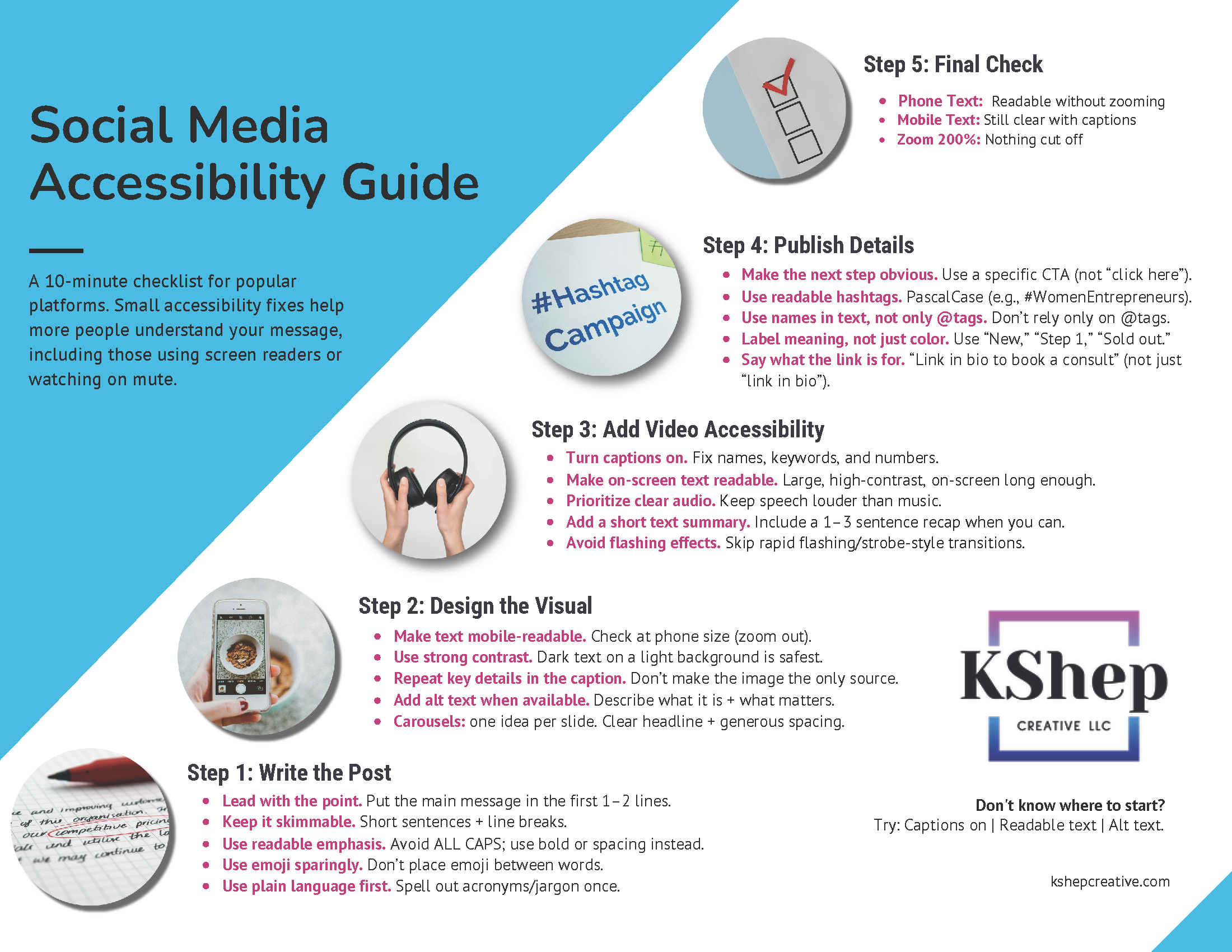
A 10-minute checklist covering the most common accessibility barriers on popular platforms including Instagram, Facebook, LinkedIn, and X (Twitter). Topics include writing effective alt text for images, adding captions to videos, using accessible formatting in post copy, and choosing readable color contrast. Designed for educators, small business owners, and nonprofit communicators who want to make their social content usable for everyone — including people who use screen readers or rely on captions.
This resource was created in early 2026 to support Minnesota educators whose students and families could not safely come to school during a period of heightened immigration enforcement activity in the Twin Cities. It offers practical accessibility tips for making digital learning materials more usable for everyone. Most Minnesota schools have since returned to in-person learning, but the accessibility principles here apply to any situation where educators need to reach students remotely or support families navigating difficult circumstances. Download and adapt it freely.
Practical Accessibility Quick Wins for Distance Learning
Slide Accessibility Checklist
A nine-step checklist for making PowerPoint and Google Slides presentations more accessible to staff and students with disabilities. Covers heading structure, reading order, alt text for images, color contrast, font size, and avoiding information conveyed by color alone. Useful for teachers, coaches, curriculum coordinators, and anyone who regularly shares slides with a broad audience. Aligned with WCAG 2.2 best practices and UDL principles.
Need a more comprehensive review of your digital content? Learn about accessibility audits →
These resources are created by Kalin Schoephoerster, a CPACC-certified instructional designer and accessibility consultant based in St. Paul, MN. They're designed to be practical and immediately usable — no technical background required. If your team is ready to go deeper, learn about accessibility audits and remediation support → or explore the blog for more on WCAG, ADA Title II, and accessible learning design →.